 When it comes to protecting your business from cyberthreats, the basics still matter. A lot. In fact, according to IBM’s 2023 Cost Of A Data Breach Report, 82% of breaches involved data stored in the cloud, and most of them could’ve been prevented with simple, foundational safeguards.
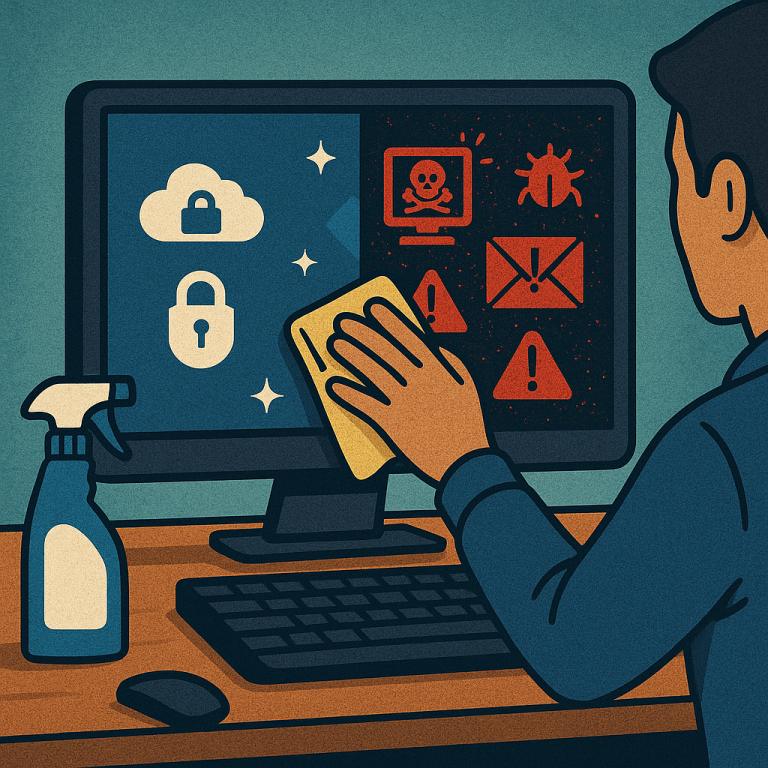
That’s where “cyber hygiene” comes in – your business’s version of daily handwashing. No, it’s not sexy. But it’s essential. And if you’re skipping the basics, you’re asking for trouble.
Here are four cyber hygiene essentials every small business should have on lock:
- Keep your network secure.
Keep your Internet connection secure by encrypting your business’s sensitive data and using a firewall. Keep your WiFi network protected and hidden with a Service Set Identifier (SSID); this allows you to set your wireless access point or router so it doesn’t broadcast your network name. Your router should also be password-protected. Finally, any remote employees should use a virtual private network, or VPN, to connect to your network securely from their location.
- Teach your team how to stay protected.
Establishing basic security policies for employees is a great way to reduce your risk of breaches due to human error. These include things like strong passwords, multifactor authentication (MFA), appropriate Internet use guidelines and policies to follow when handling vital data. Other important training topics to cover include how to spot phishing e-mails and avoid suspicious downloads.
- Back up your important data.
In the event of a breach, crash or ransomware attack, you want to make sure your most important data is still accessible so your business can continue operating. This is why it’s so important to regularly back up data on all computers; critical data to back up includes documents, spreadsheets, HR and financial files, and databases. If possible, it’s best to set up your data to back up automatically. Store copies in the cloud or offsite in a secure server.
- Limit data access.
Limiting access to critical data drastically minimizes your risk. Even in the event of a breach, limiting access means that your most sensitive data will likely still be protected. Staff should only be given access to the specific data systems required for their jobs, and no one employee should ever have access to all data systems. Restrict administrative privileges to only trusted IT staff members and key personnel. Ensure that any former employees are removed from company systems as part of the offboarding process.
Security Is Well Worth The Hassle
While taking all these measures can seem like a pain, it’s far less costly in time, money and effort to invest in them up front. Otherwise, you run the risk of having critical data stolen during a breach or your entire business grinding to a halt due to a ransomware attack you can’t afford.
Want To Get Ahead Of The Threats?
Before you find out the hard way, grab your free copy of our Cybersecurity Crisis Report, an executive guide to protecting your business from today’s most dangerous cyberthreats. Schedule it now.


