
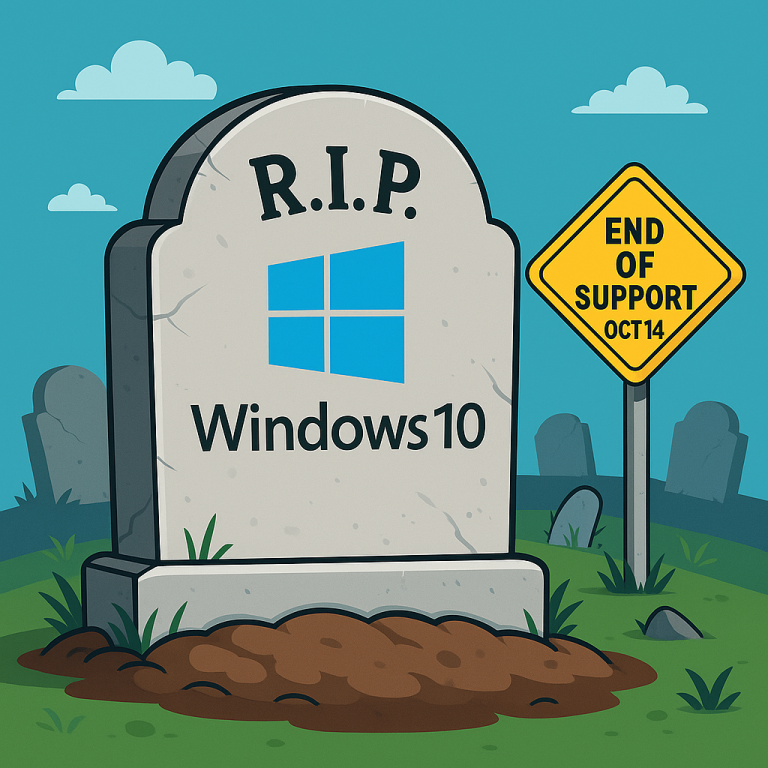
 Warning: Microsoft will NO LONGER support Windows 10 after October 14, 2025. While PCs operating on Windows 10 will still work after this official end date, Microsoft will no longer provide the free services that keep your device working properly and securely, such as security updates and technical support.
Why Is This Important For Business Owners?
- Security Risks: Without regular updates, your computer will become more vulnerable to viruses, malware and hackers. This could put your business data at risk, which is why upgrading to a newer version of Windows is crucial.
- Software Compatibility: Many software programs are updated regularly to work with the latest operating systems. After Windows 10 reaches its end of life, some of your favorite programs might not work as smoothly or could stop working altogether.
- Compliance Issues: If your business deals with sensitive information or follows strict regulations, using an outdated operating system could lead to compliance issues. It’s important to stay current to avoid potential fines or legal problems.
What Are Your Options?
Microsoft encourages users to migrate to the latest version before the end-of-life date. This can present challenges for some PC owners, as not all devices currently running Windows 10 are compatible with Windows 11. If you try to upgrade one of those PCs to Windows 11, but the device does not meet the stringent hardware requirements of the new software, you’ll encounter an error message.
If your device isn’t compatible with Windows 11, you have a few options. You can:
- Buy a new PC that is compatible
- Sign up for Extended Security Updates (more on that below)
- Switch from the Windows operating system to Linux
- Ignore the deadline and put your business at risk (we do NOT recommend this one!)
Whatever you decide, make sure to back up your data! Before making any changes, always back up your important files. This ensures that nothing gets lost during the upgrade process.
Extended Support For Windows 10
If you’re not able to make the switch to Windows 11 just yet, you can sign up for Extended Security Updates (ESU) from Microsoft. However, it’s important to remember that this option is a bandage, not a permanent solution. ESU will only be offered for a year after the end-of-life date in October.
To sign up for ESU, you have a few options. The most straightforward method is to simply pay the $30 fee, or redeem 1,000 Microsoft Reward points, to register. If you don’t want to pay, there is a free option – with a catch. You’ll need to enable Windows Backup to sync your settings and folders to the cloud in OneDrive. While OneDrive offers 5 GB of free storage, you may need to buy more space if you have large quantities of documents to store.
Regardless, don’t wait to sign up! You need to register for ESU before the October 14 deadline to qualify.
Navigating This Transition
The best step is to work with your IT provider to determine what option makes sense for your organization. An experienced IT team or a tech consultant can help make sure everything runs smoothly and minimize any downtime for your business.
If you’re looking for someone to guide you through this transition period, get in touch with our team to schedule a FREE 10-Minute Discovery Call. During this quick conversation, we’ll be able to map out the next steps to take to start upgrading to Windows 11 efficiently. To schedule, call us at 864-288-1114 or click here.


